146 exercises, every one with a demo
Barbell, dumbbell, cable, kettlebell, bands, bodyweight and the machines. Tell WrkFit what you own — including gear you type in yourself — and the library filters to what you can actually do.
WrkFit is a fast, no-nonsense logger you can use entirely on your own — and, if you want one, a programming desk for a coach behind you. Here is the whole flow, in order.
Everything below is free, forever, and none of it needs a coach. You never pay for WrkFit — only coaches do.
Sign up and start training. No invite, no code, nobody to wait on — build your own routines, pull from a library of 146 exercises, and log. Most people use WrkFit this way and never have a coach at all.
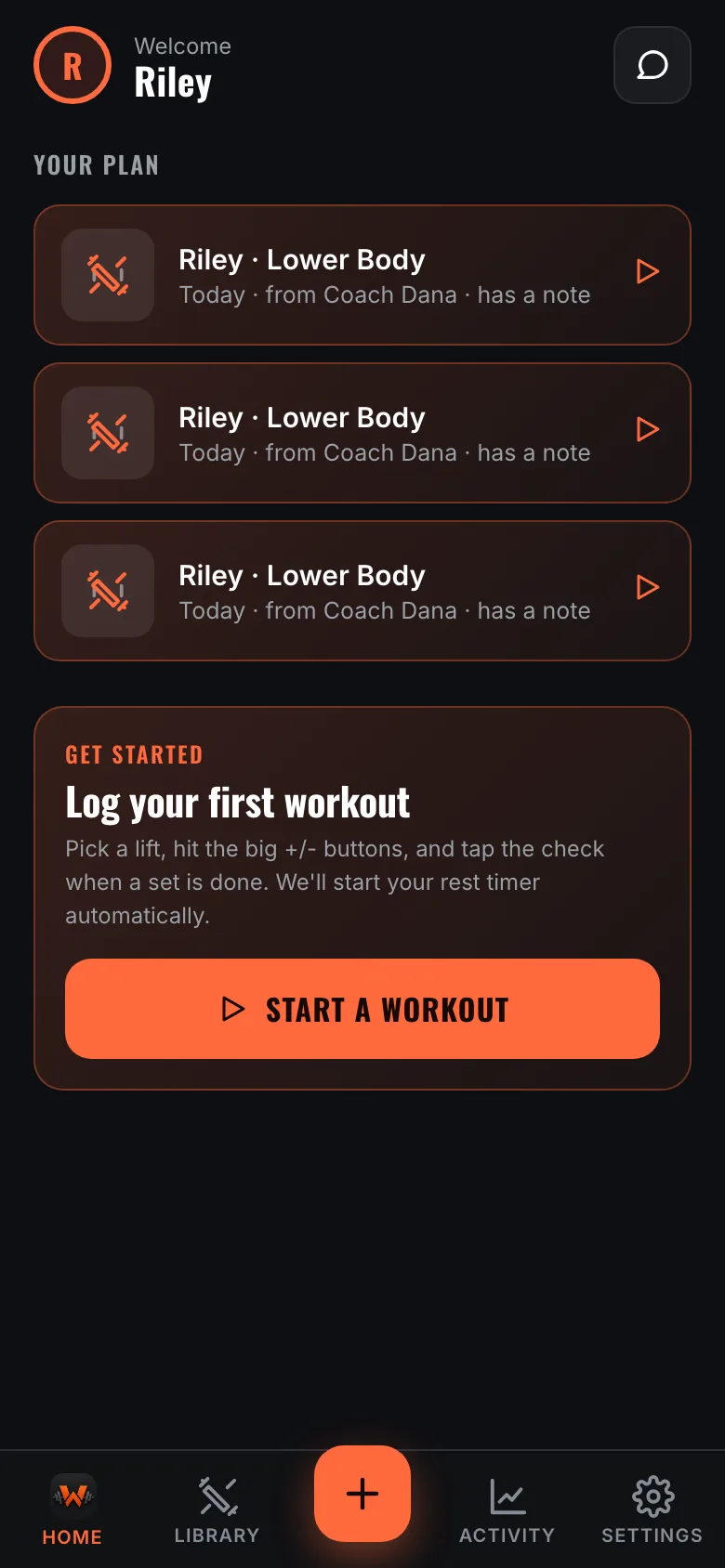
If you do have one, open the link they send you and you'll land already connected. You can also connect, or disconnect, later from Settings. Either way the app is the same app.
A routine is a reusable list of exercises you start with one tap — build your own in the Library, or let AI draft one from the gear you actually own. Start an empty session instead and add lifts as you go; nothing forces you to plan ahead.
If you have a coach, anything they schedule appears at the top of Home on the day it's due, with their note attached.
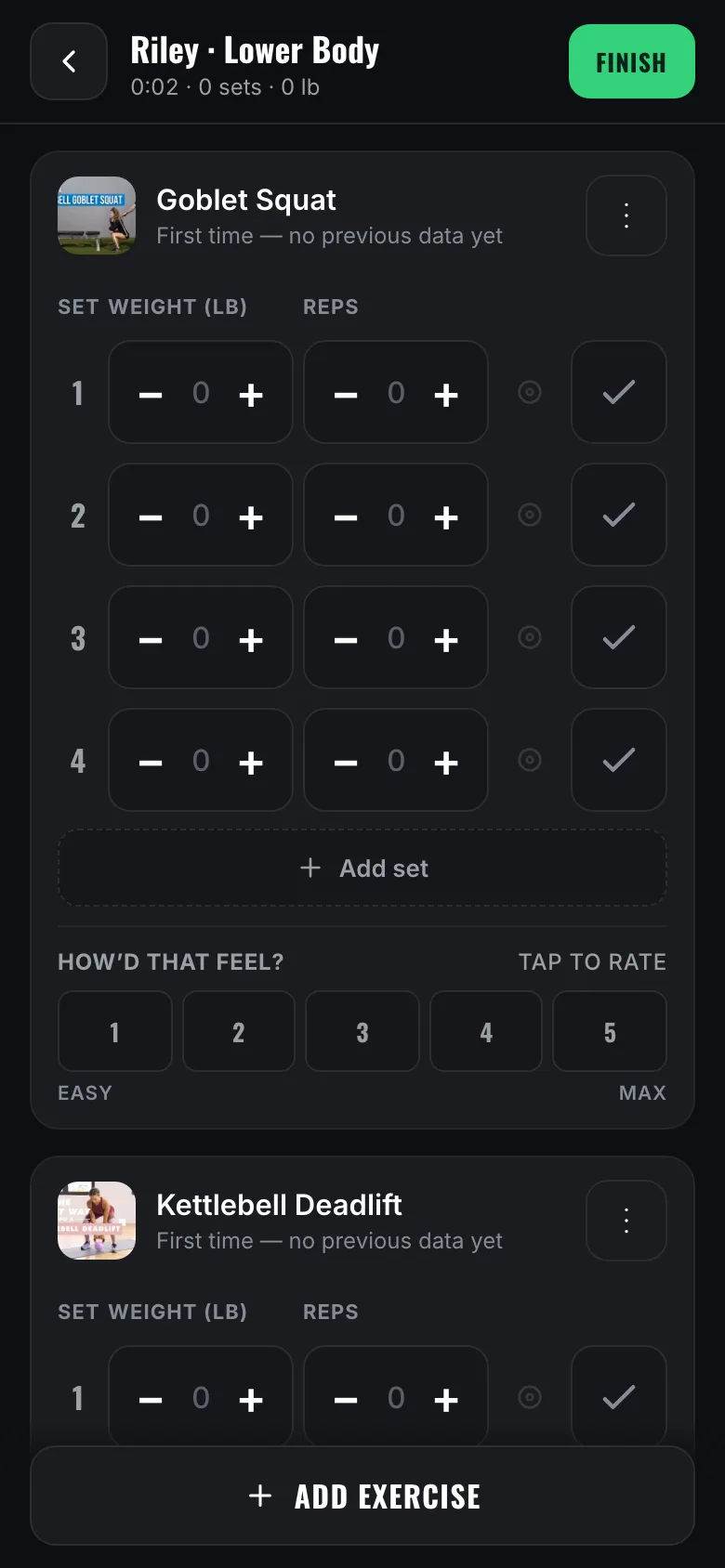
Every exercise pre-fills the weight and reps from your last session, so a set is usually a single tap. The plus and minus buttons are sized for a real thumb, and finishing a set starts the rest timer on its own.
It keeps saving when the signal drops, and nothing gets logged twice — so you can put your phone down mid-set and come back to it.
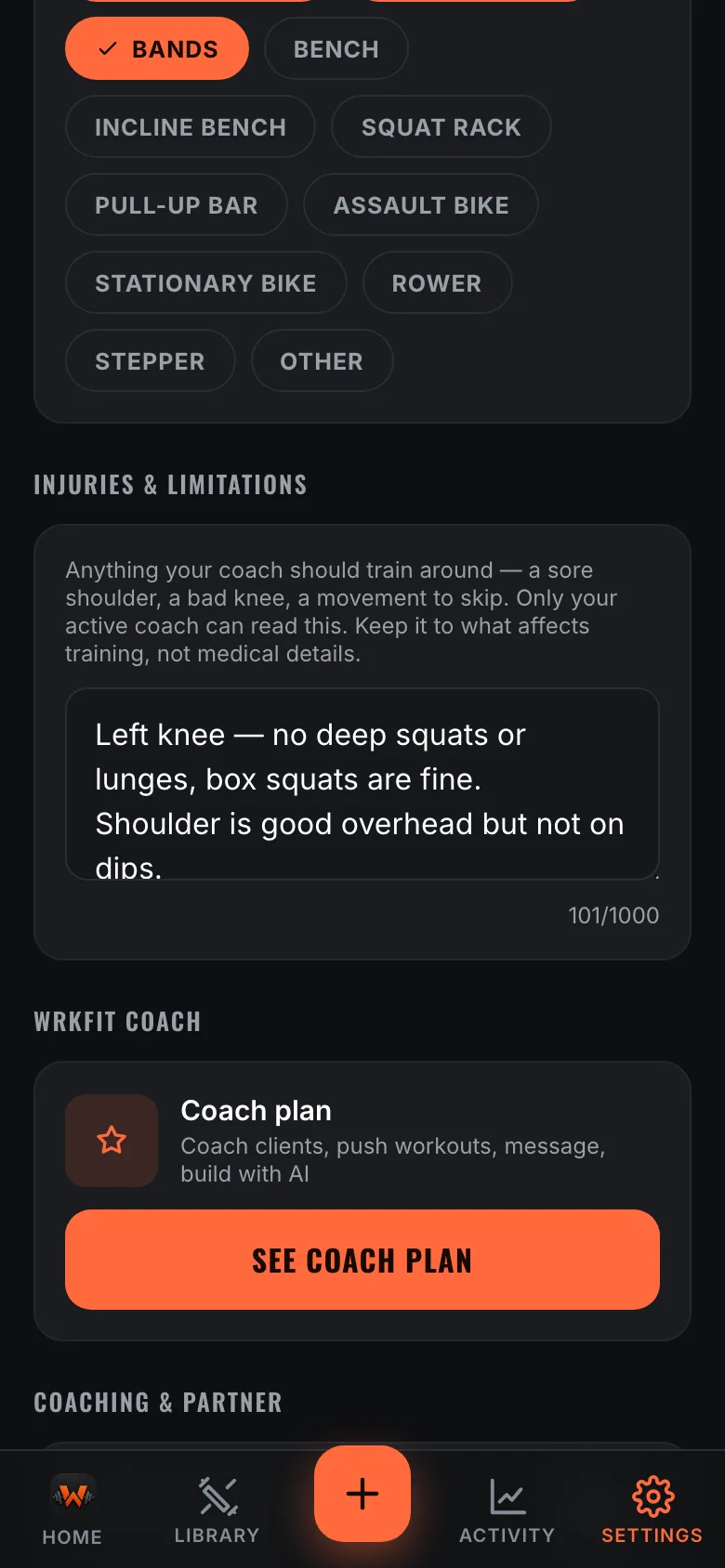
Settings has an Injuries & limitations box. Write what a coach should train around — a sore shoulder, a knee that hates deep squats, a movement to skip — and it shows up on your profile on their side before they program anything.
Only your active coach can read it, and only while you're connected. Keep it to what affects training; it isn't a medical record and nobody else sees it.
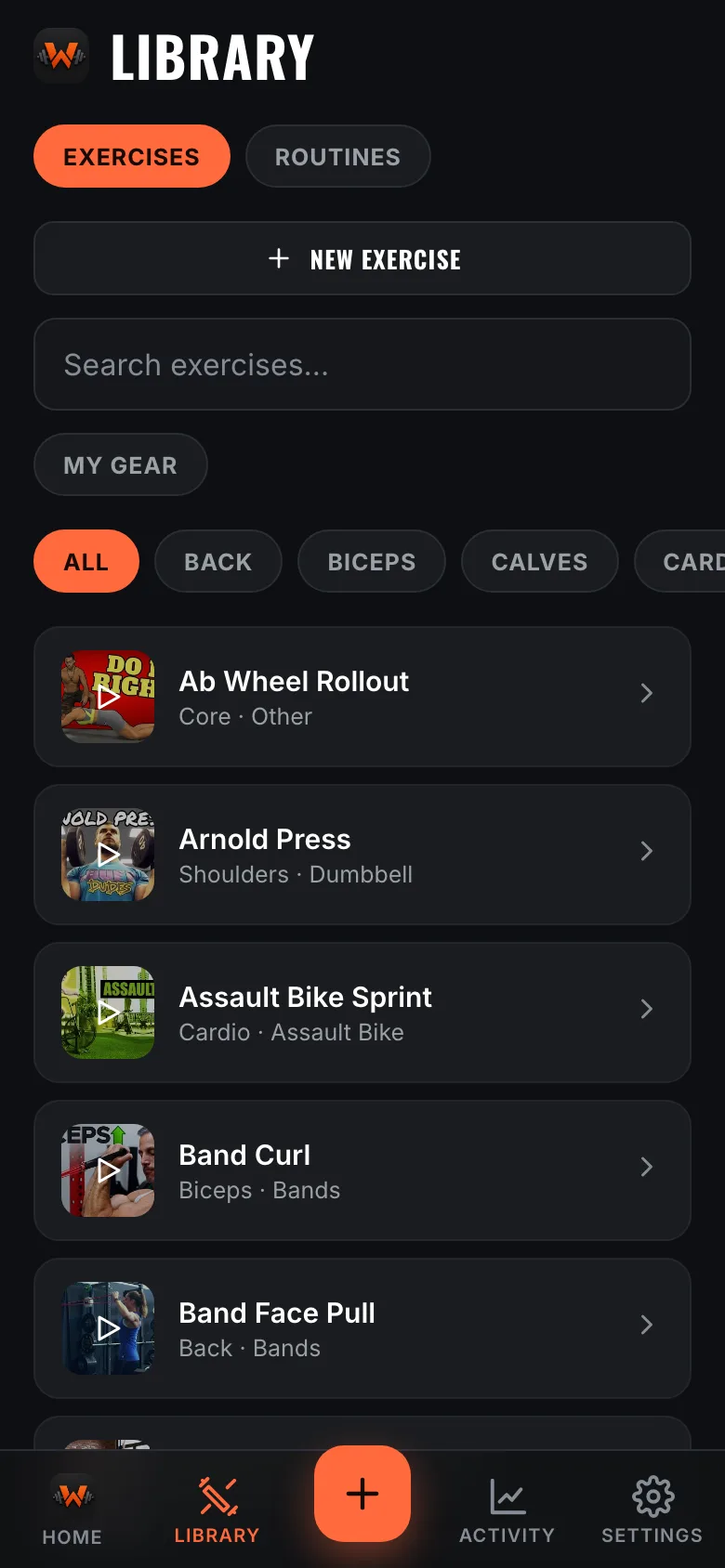
All 146 exercises have a short form demo. Tap one and the card grows into a player right where you are — you never leave the app or lose your place.
Tell WrkFit what gear you own under My Gear and the library filters to what you can actually do, including anything you type in yourself.
Turn it on in Settings. It only ever writes workouts across — WrkFit never reads your health data.
Coaching tools are the paid side of WrkFit. Your clients never pay anything.
Settings → Coaching turns on the coach side and gives you a personal invite link. Send it to a client and they land connected to you the moment they sign up.
Your clients appear on your home screen from then on, with who trained today at a glance.
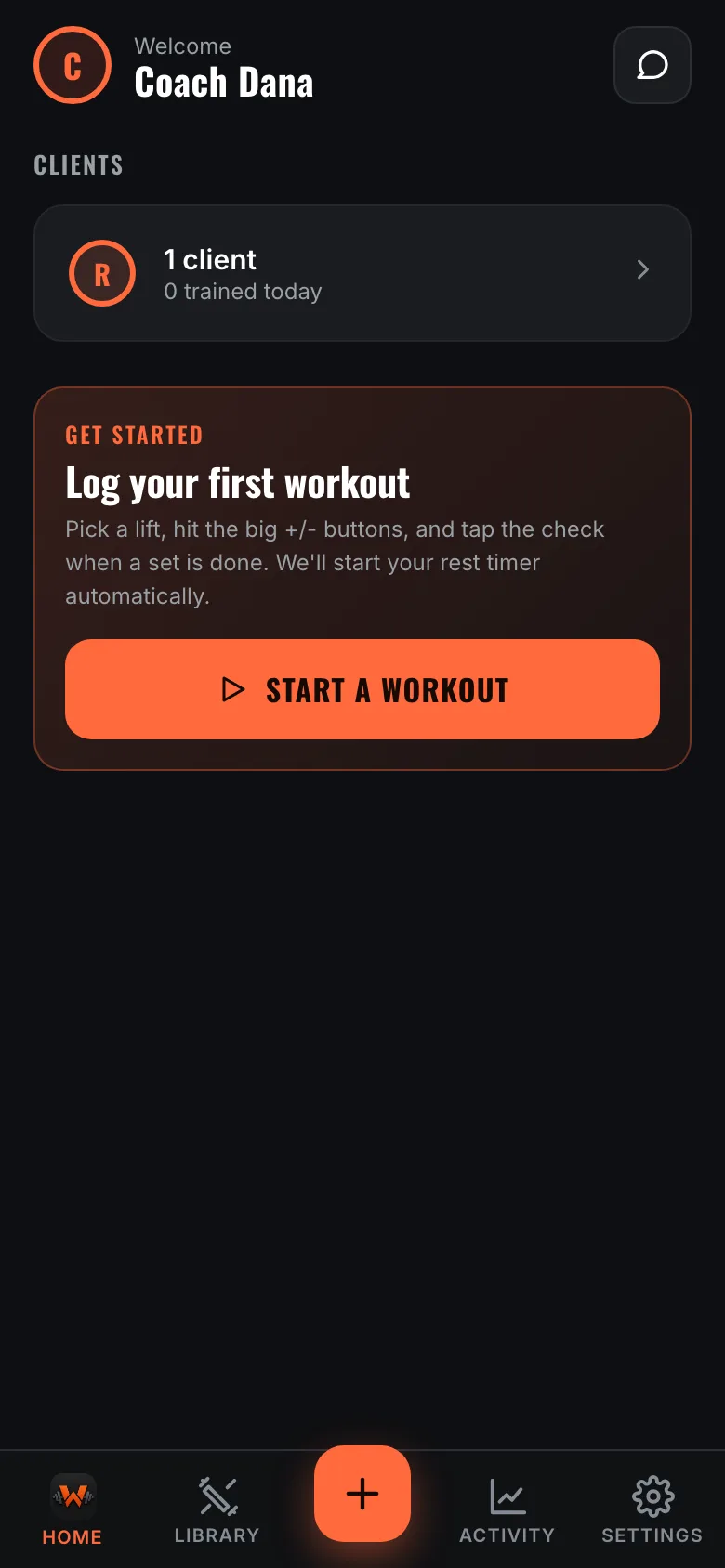
Tap a client for everything they've logged: sessions with the weight and reps they actually hit, how hard each exercise felt, their personal records and progress over time.
You can comment on any individual session, so feedback lands attached to the workout it's about instead of floating in a chat.
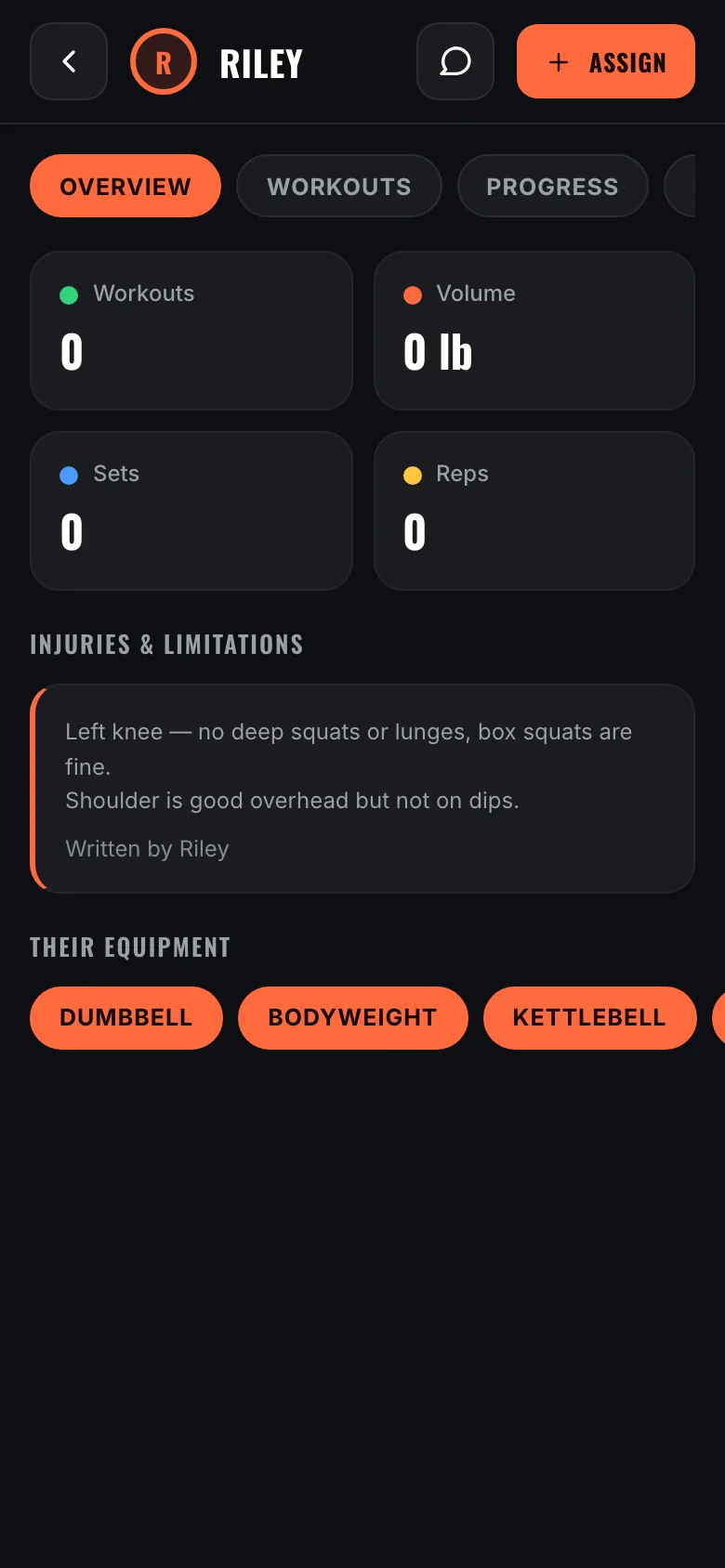
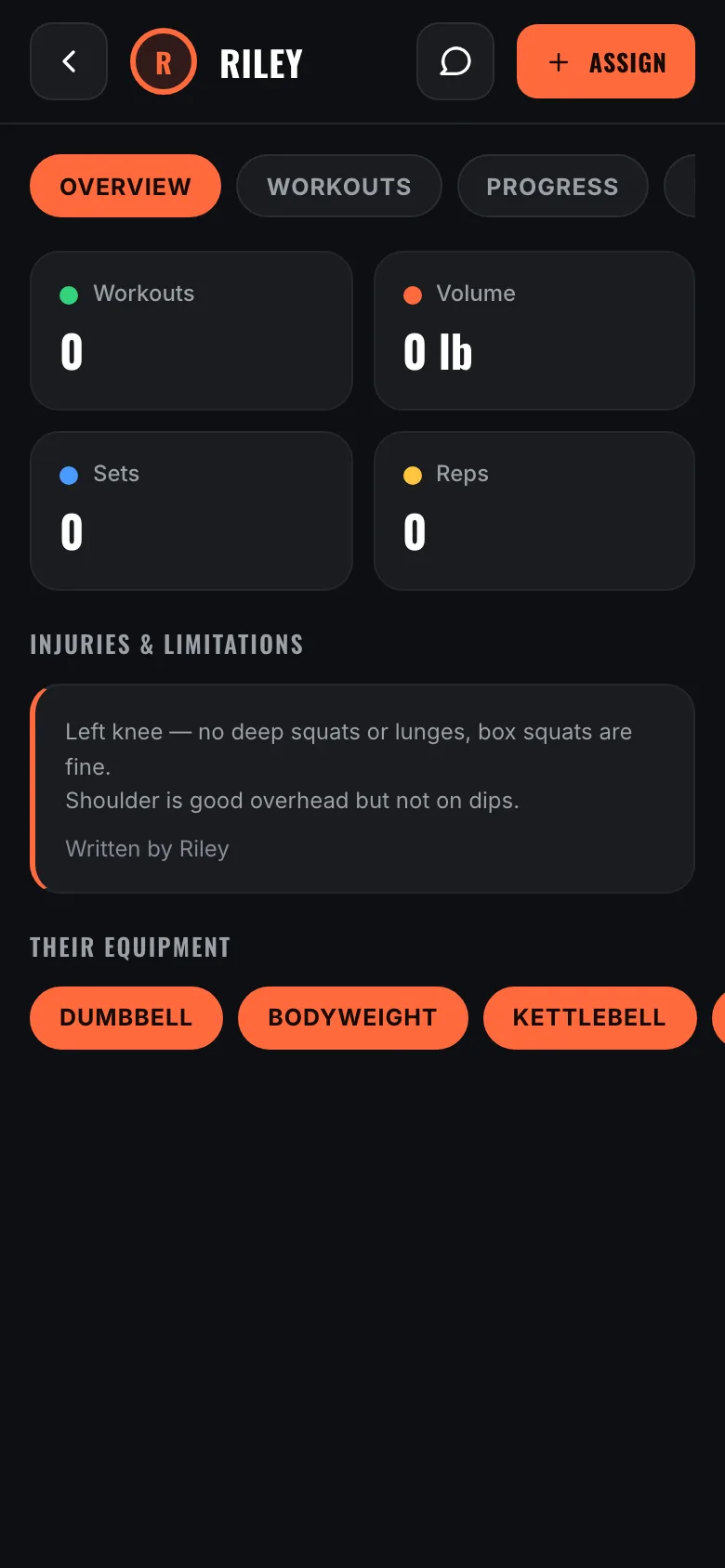
Your client writes their own injuries and limitations, and it sits on their overview above everything else — so you know about the knee before you write a squat day, not after.
Their gear is right underneath it. Between the two you can see exactly what you have to work with before you build anything.
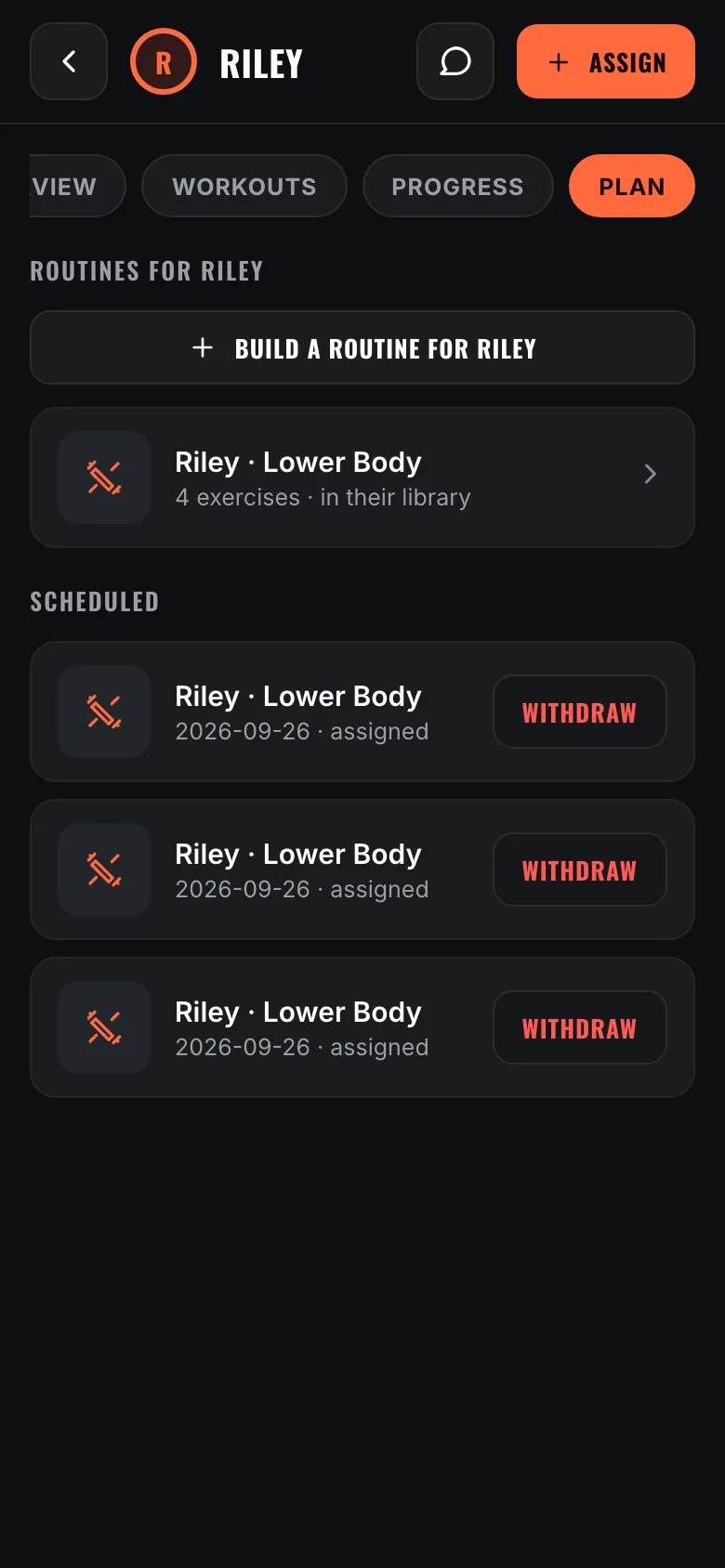
Open a client, go to Plan, and tap Build a routine for them. You build it right there and it saves straight into that client's library — you don't have to create it in your own library first, and one-off programming never clutters your general routines.
It stays yours to edit. They can open it and train it any day they like, but they can't change what you wrote.
Your own routines are still there in the Assign sheet, listed under your client-specific ones. Use whichever fits.
Assign pushes a routine onto specific days. Tap the dates you want, or set a weekly rule — Monday, Wednesday, Friday for the next four weeks — and add a note that shows up with the workout.
It appears on their home screen on the day, and comes back to you as a logged session once they train it. Change your mind and you can withdraw anything they haven't done yet.
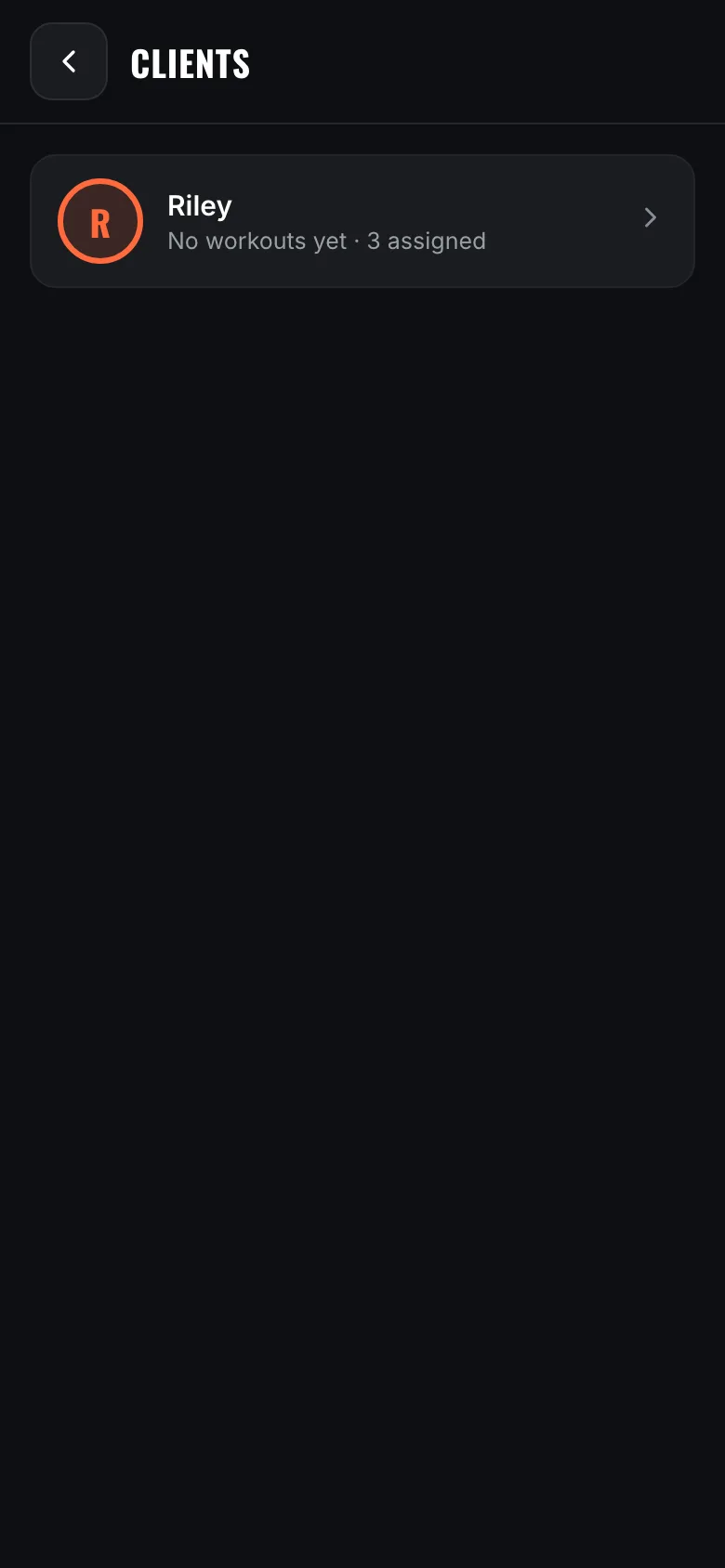
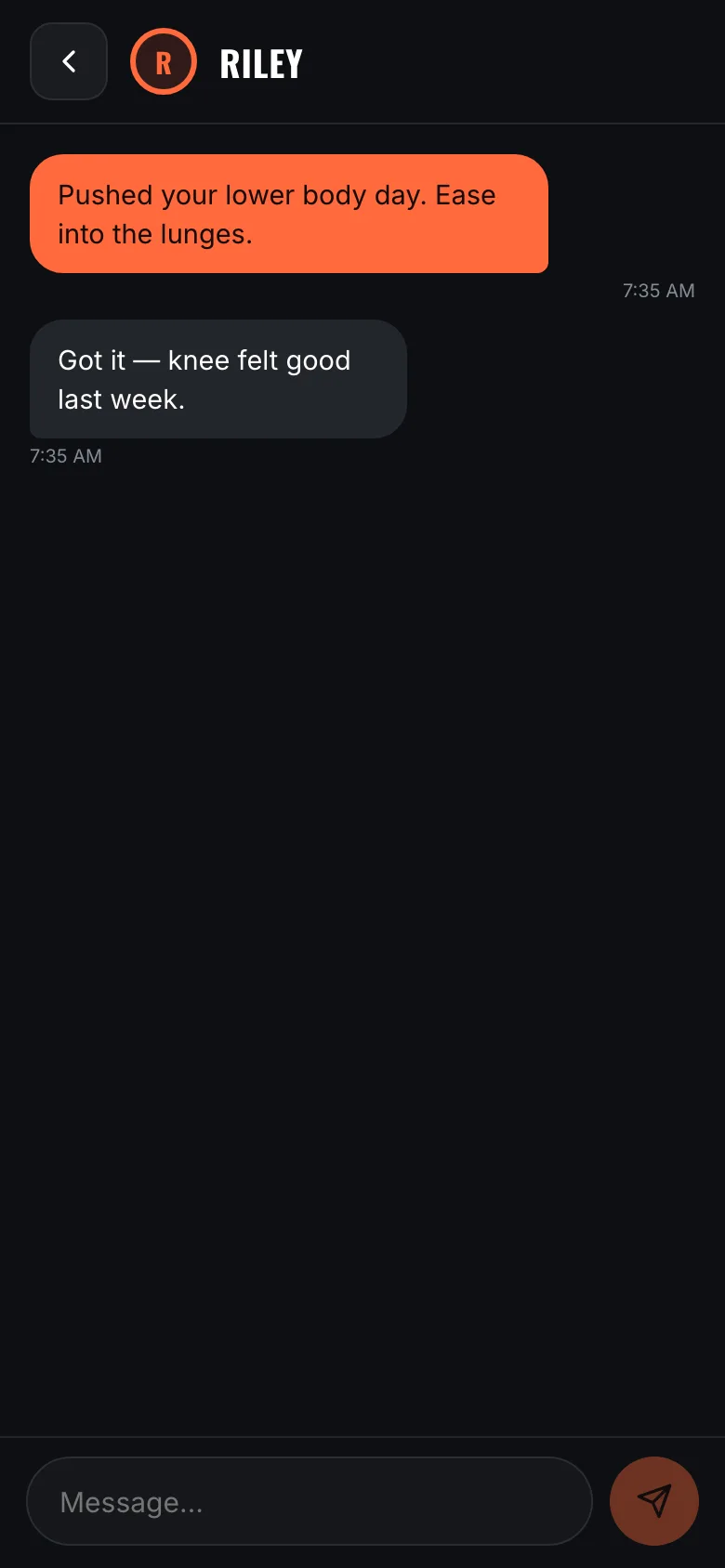
The message button sits next to Assign in the client's header, so the conversation is one tap from the training you're looking at. It's the same thread on both sides, and it keeps its history.
You can also comment on a specific logged session, and the message arrives attached to that workout instead of floating loose in a chat.
Most of this is here whether or not anyone is coaching you.
Barbell, dumbbell, cable, kettlebell, bands, bodyweight and the machines. Tell WrkFit what you own — including gear you type in yourself — and the library filters to what you can actually do.
Every connection has a thread. Coaches and clients can message each other, and a message can point at a specific logged workout.
No coach, no partner, no invite. Build routines, log sessions, watch your numbers move. Nothing in the app is gated behind having a coach.
Want company without being coached? Link up as partners and you simply see each other's training — neither of you programs for the other.
Describe the session you want and WrkFit drafts it from your own library, limited to the gear you own. It always opens in the editor first.
Export everything to CSV free, whenever you like. Delete your account and everything in it from inside the app, no email required.
Lifting costs nothing, forever. The coach pays for the coaching tools, and one plan covers as many clients as they take on.
Either side can unlink at any time. Nothing is deleted — you keep every session you logged.